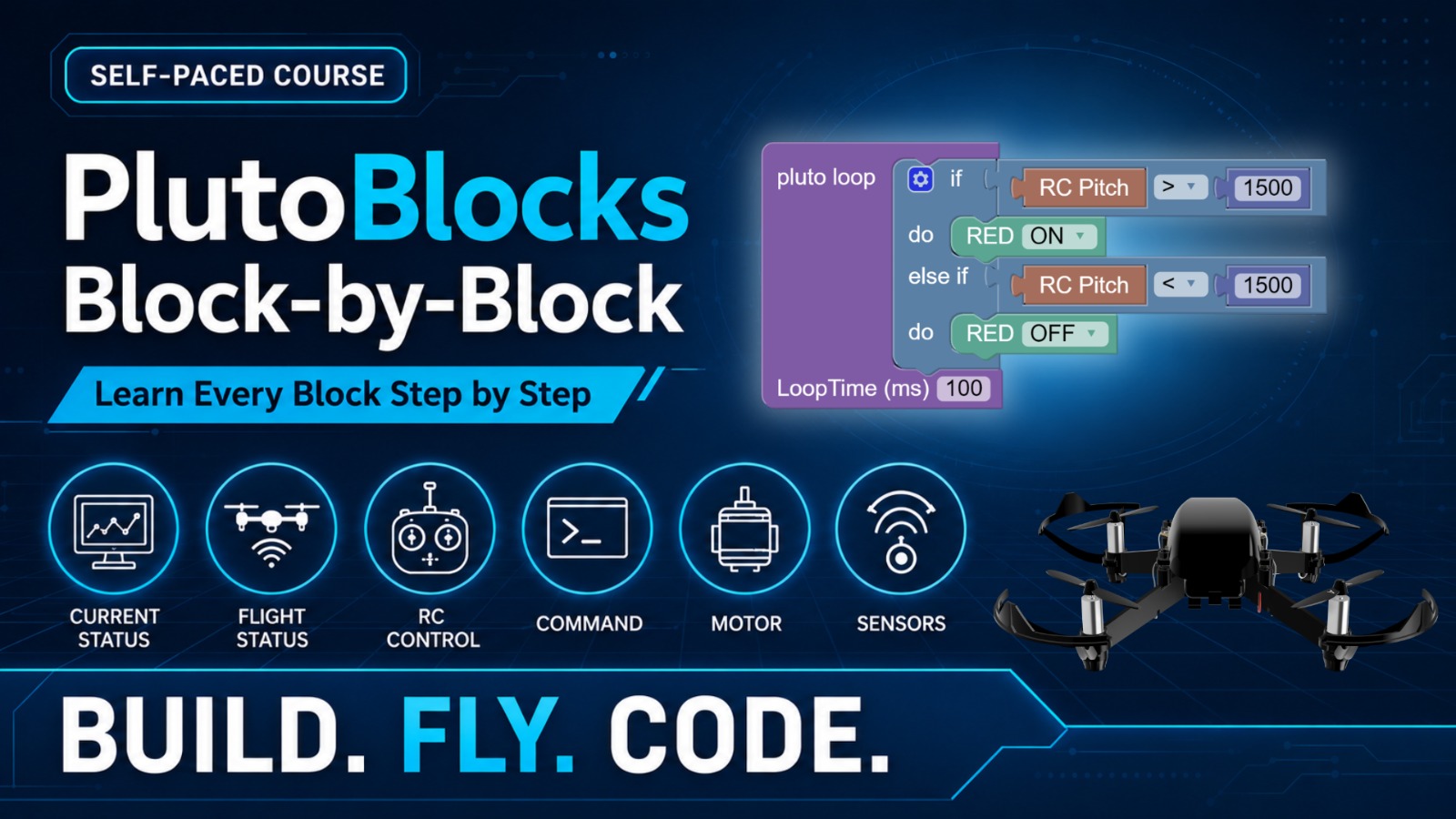
PlutoBlocks Block-by-Block is a self-paced online course designed to help students understand how different locks work and how they can be used to control and program the Pluto drone. Instead of jumping directly into big projects, students first learn the purpose of each block category through simple explanations and small examples.
By the end of this course, students will understand LED, Console, Variable, Math, Logic, Loop, Sensor, Current Status, and Flight Status blocks, and will be ready to build complete PlutoBlocks drone projects.
PlutoBlocks Block-by-Block
one-time purchase
Who is this course for?
This course is ideal for:
- Students who are new to PlutoBlocks
- Pluto drone owners who want to start coding
- School students learning block-based programming
- Teachers or trainers who want to understand PlutoBlocks before conducting sessions
- Students preparing for drone projects, workshops, or competitions
What will you learn?
By the end of this course, students will be able to:
- Understand the purpose of different PlutoBlocks categories
- Use LED, Console, Variables, Math, Logic, Loop, Sensor, Current State, and Flight Status blocks
- Create small drone programs using block-based logic
- Read drone status and sensor information
- Build confidence before attempting full PlutoBlocks projects
- Prepare for advanced project-based drone coding courses
Do I need a Pluto drone?
You can watch and understand the lessons without a Pluto drone, but to complete the hands-on activities and practise properly, we recommend using your own Pluto drone.
For the best learning experience, students should have:
- Pluto drone
- Pluto Controller app
- PlutoBlocks installed on laptop/desktop
- Basic internet connection
- Spare battery and propellers recommended
Don’t have Pluto yet? Get the Pluto kit and complete the activities hands-on.
Course Outcome
After completing this course, students will understand how different PlutoBlocks categories work and will be ready to build complete drone missions and projects using PlutoBlocks.
What comes after this course?
After learning the blocks, students can continue with:
PlutoBlocks Mission Lab
A project-based course where students use PlutoBlocks to build complete drone missions such as drone dance, square flight, obstacle challenge, sensor response, pick-and-drop, and smart drone projects.