Ready to move beyond flying and start programming your drone?
This introductory course is designed for Pluto drone users who want to begin their journey into block-based programming using PlutoBlocks. Whether you're a student, educator, or hobbyist with no prior coding experience, this course will help you set up PlutoBlocks, understand its interface, and create your very first drone program.
Introduction to PlutoBlocks: Your First Step into Drone Programming
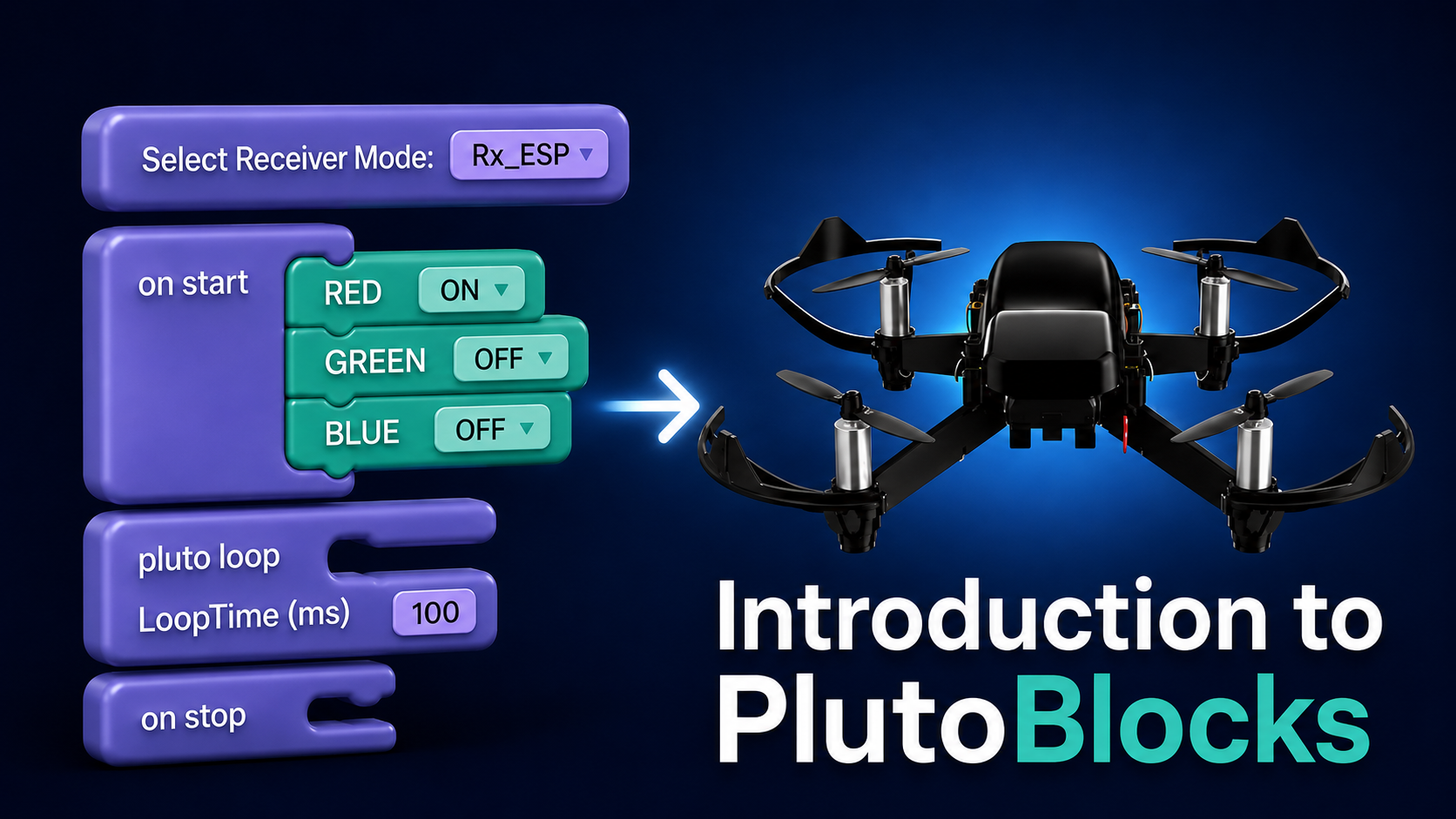
You'll learn how to install PlutoBlocks on Windows and macOS, create your account, connect your Pluto drone, navigate the programming workspace, and understand the fundamental building blocks that power every Pluto program. By the end of the course, you'll build your first interactive project—a simple LED Blinking Star—and be ready to explore more advanced drone programming projects.
This course serves as the foundation for all future PlutoBlocks learning, making it the perfect starting point for your Build → Fly → Code journey.
What You'll Learn
- Understand what PlutoBlocks is and how it helps you program drones without writing code.
- Download and install PlutoBlocks on Windows and macOS.
- Set up drivers and configure your computer for programming.
- Create your PlutoBlocks account and log in.
- Explore the PlutoBlocks interface and workspace.
- Create and manage your programming projects.
- Select and connect your Pluto drone board.
- Understand the core program flow using onStart, onLoop, and onStop blocks.
- Build and run your first LED programming project.
- Gain the confidence to start creating more advanced drone applications.
Who Should Take This Course?
- Pluto Drone owners
- School and college students
- STEM educators
- Robotics trainers
- Beginners interested in programming
- Anyone who wants to start building drone projects without prior coding experience
Prerequisites
- A Windows or macOS computer
- A Pluto drone (recommended for hands-on practice)
- No prior programming knowledge required
Course Outcome
After completing this course, you'll have a fully configured PlutoBlocks environment, understand the fundamentals of block-based drone programming, and successfully create and run your first Pluto project. You'll be ready to continue with advanced courses covering drone movement, sensors, automation, and real-world drone applications.